|
Amplex Support https://support.amplex.net/knowledge-base/connecting-the-nintendo-switch-to-your-router/ Export date: Fri Jul 3 14:19:35 2026 / +0000 GMT |
Connecting the Nintendo Switch to Your Router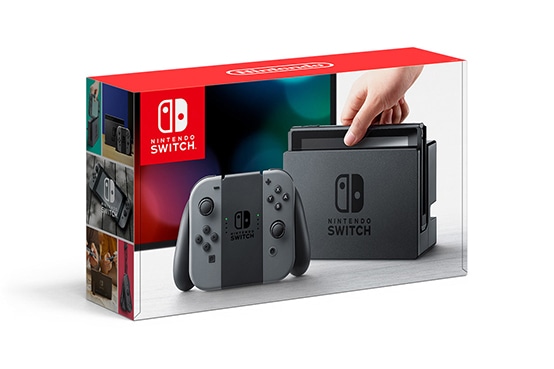 The Nintendo Switch has two methods of connecting to your home router. You can either use an ethernet cable coupled with a USB to ethernet adapter connected from the back of the Nintendo Switch docking station to one of the open LAN ports on your router (usually labeled 1,2,3 or 4) or connect wirelessly using the Nintendo Switch built in wireless adapter (preferred method if you plan on using the Switch off the docking station). The Nintendo Switch has two methods of connecting to your home router. You can either use an ethernet cable coupled with a USB to ethernet adapter connected from the back of the Nintendo Switch docking station to one of the open LAN ports on your router (usually labeled 1,2,3 or 4) or connect wirelessly using the Nintendo Switch built in wireless adapter (preferred method if you plan on using the Switch off the docking station).Wireless Connection Setup (Preferred) This method is the preferred method for connecting your Nintendo Switch for use off of the docking station, but also works when using the docking station. Please Note: You will need your SSID (Wi-Fi Name) and password.
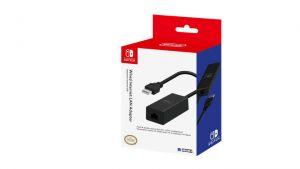 Wired Connection Setup Note: This method requires the Nintendo Switch to be in the docking station and the Nintendo Switch USB to Ethernet Adapter (sold separately from the Nintendo Switch).
|
|
Post date: 2018-09-18 09:44:30 Post date GMT: 2018-09-18 14:44:30 Post modified date: 2018-09-18 09:51:01 Post modified date GMT: 2018-09-18 14:51:01 |
